See your month at a glance
View shifts in a monthly calendar and mark when you’re available, unavailable or tentative.
Work changes from week to week. Keep your shifts, hours and estimated pay in one personal planner—so you can plan the rest of life.

Free on Android · Contains ads · No account required
Whether your shifts rotate or you work across several jobs, keep the details together.
View shifts in a monthly calendar and mark when you’re available, unavailable or tentative.
Manage separate jobs and hourly rates in one personal planner.
Reuse shift templates to make repeat scheduling quicker.
See planned and worked hours, with estimated gross earnings based on the rates you enter.
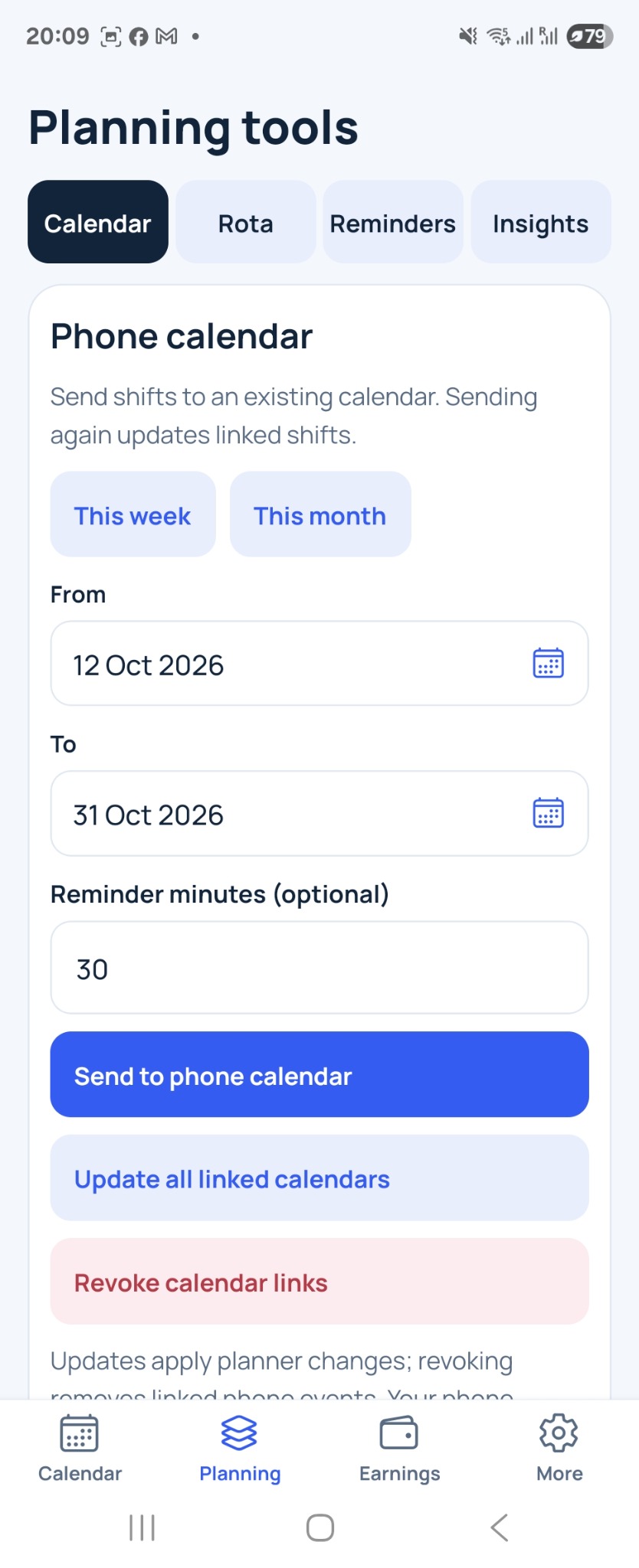
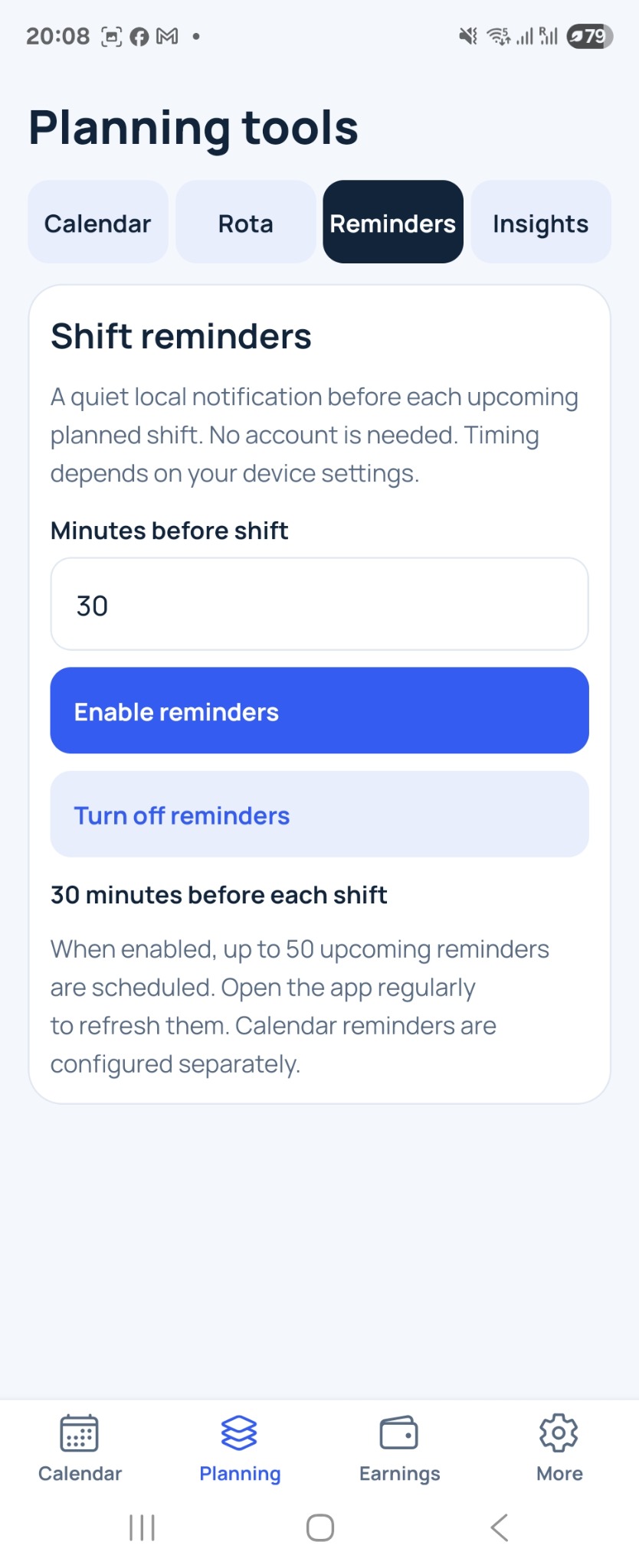
Set shift reminders and send shifts to your phone calendar. Device permissions are required.
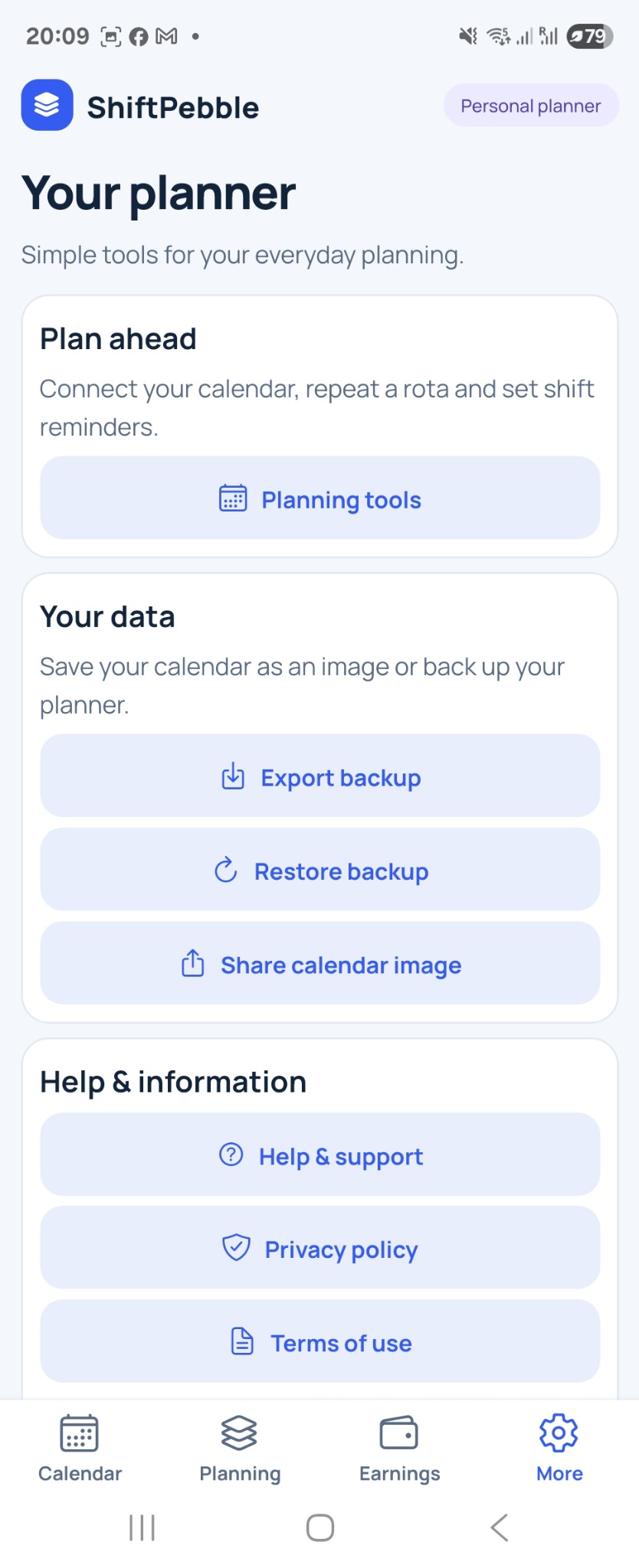
Share a calendar image, export a backup and restore it when you need to.
A simple place to organise the everyday details of shift work.
Send your planned shifts to an existing calendar on your phone.
Choose how many minutes before a shift you’d like a notification.
Find backup, restore and calendar image sharing in one place.
Swipe to explore the screens. Scroll inside each phone to see more.
No account to create. Download the app and make it your own.
Enter a job and the hourly rate you want to use for estimates.
Add your schedule and availability. Save regular shifts as templates.
Review hours and estimated earnings, set reminders and share your plan.
Yes. ShiftPebble is free to download and use on Android, and contains advertisements.
Shift planning works offline. Advertisements and downloading app updates require an internet connection.
No. Earnings are estimates of gross pay based on the hours and rates you enter, before tax and other payroll deductions. Always check your employer’s payroll records.
Your jobs, shifts and pay rates are stored locally on your device. No account is required. Export a backup before uninstalling the app or changing phones.
ShiftPebble is a personal planner. It helps you record your own schedule; it does not replace your employer’s official rota or payroll records.
Email info@taslangroup.com. Please include your app version and a description of the issue.
Download on the Google Play Store. Free on Android; contains ads.
Android · Free · Contains ads